Add a wine
Every bottle starts from the + in the top bar.
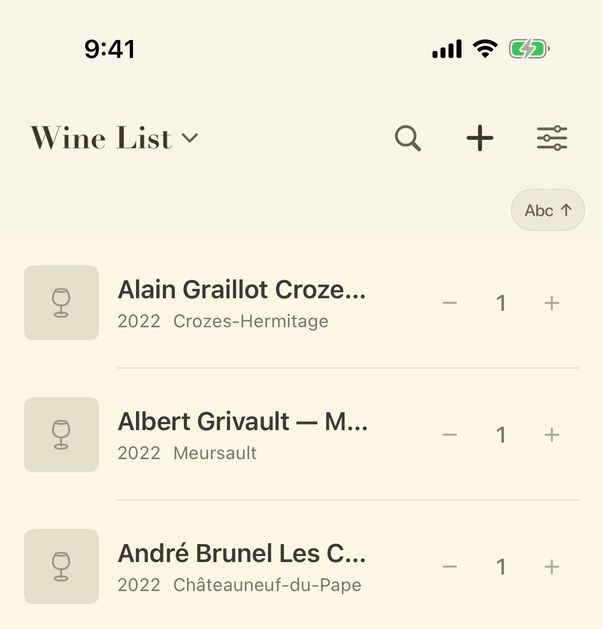
- Tap + to scan a label with the camera.
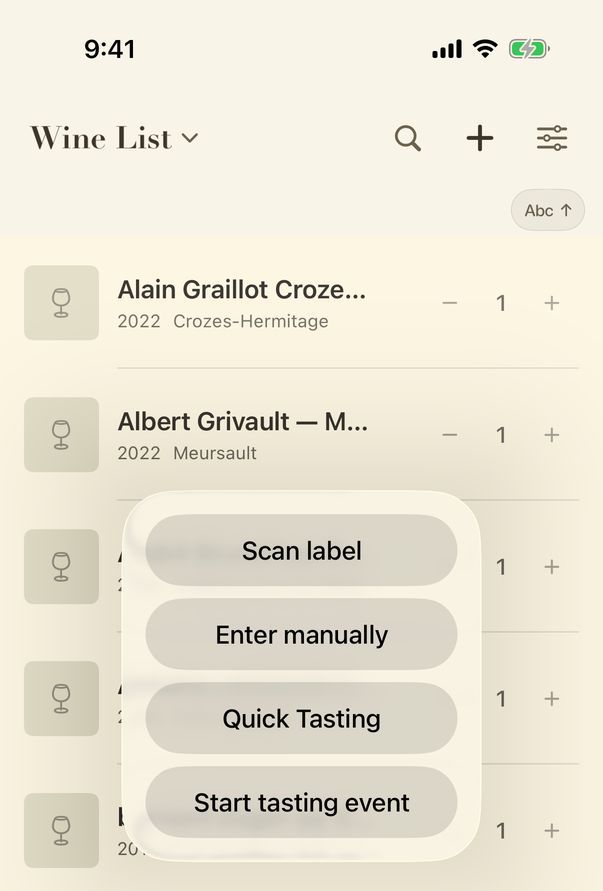
- Press and hold + for more ways in: enter a wine by hand, record a quick tasting, or start a tasting event.
Guide for vynr 1.2
Every bottle starts from the + in the top bar.
Guide for vynr 1.2