Narrow what you see
The Filters button at the bottom right of the Cellar opens your Session.
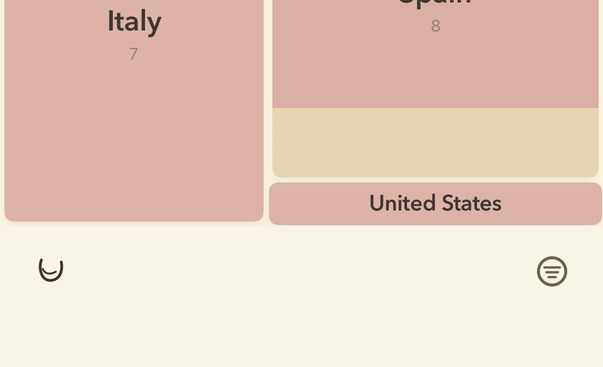
- Tap Filters, at the bottom right, to open the Session panel; tap it again to close it.
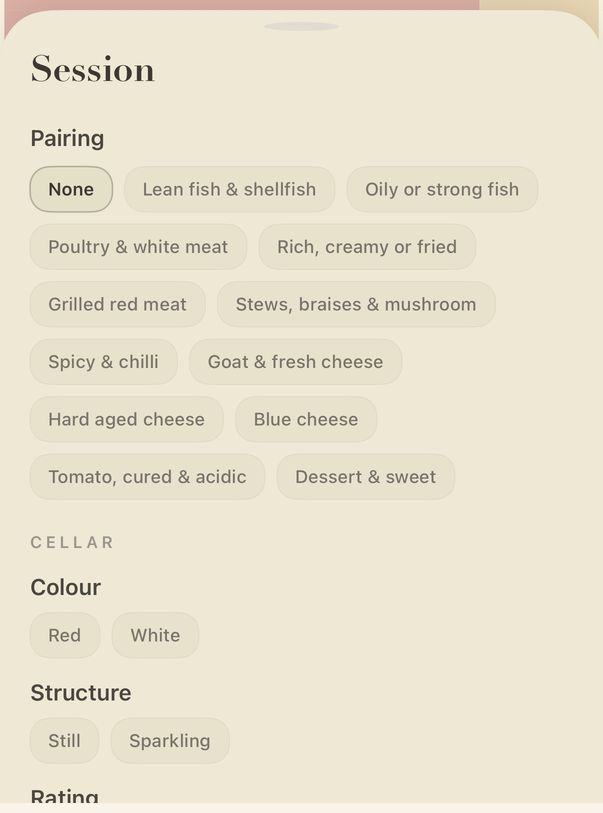
- Pairing: choose what you are eating, and vynr ranks the wines that suit it.
- Under Cellar, Colour and Structure narrow the map to the wines you choose.
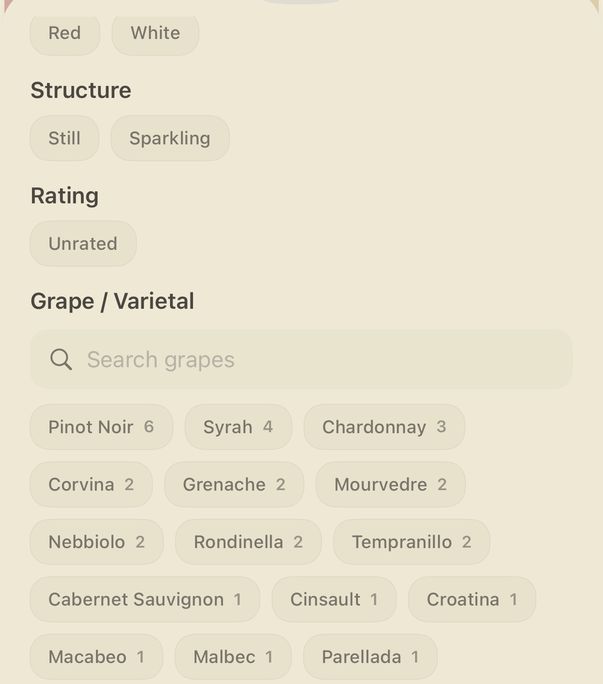
- Rating and Grape / Varietal work the same way. The options reflect the wines you have, so a section appears only when your wines give it something to show.
Guide for vynr 1.2