Chapter 4
Go back, and across
Sideways swipes work within what you are looking at; they never change the view.
- Swipe right from the left edge to go back.
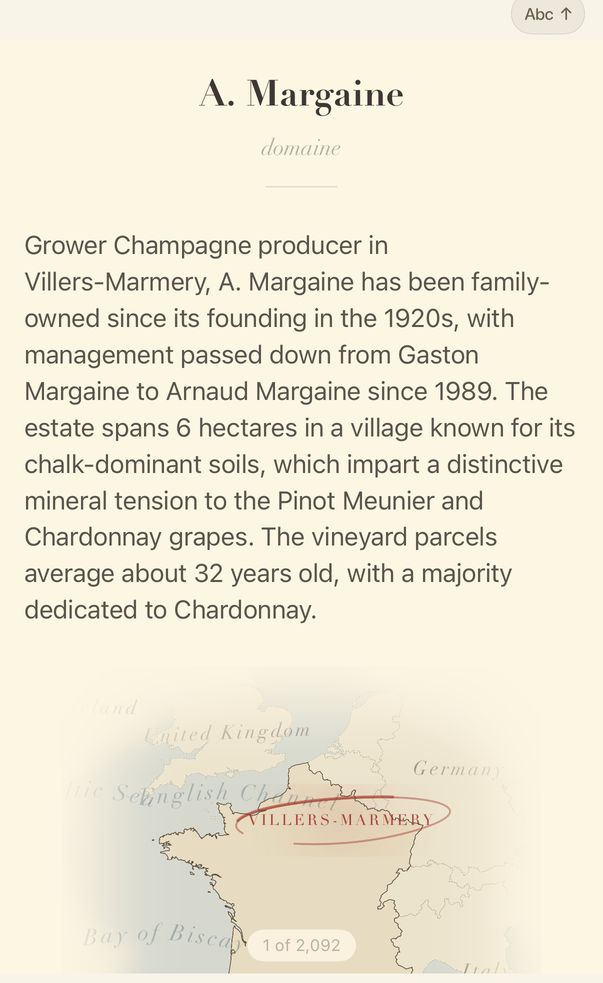
- On a producer opened from a list, swipe left across the page for the next producer, or right for the one before.

- The count shows where you are in the list.
Swiping right from the left edge always means back: up one level on a map, or out of a wine's record. If a panel is open over the page, it closes first.
The count on a producer page, such as 3 of 12, is your place in the list you opened it from.
Guide for vynr 1.2