Tap to go there, hold to learn
Those are the two things a place can do, wherever its name appears. A tap goes there: into a place on the map, or back to an earlier one in the bar. Press and hold — keep your finger still — and vynr tells you what it is instead.
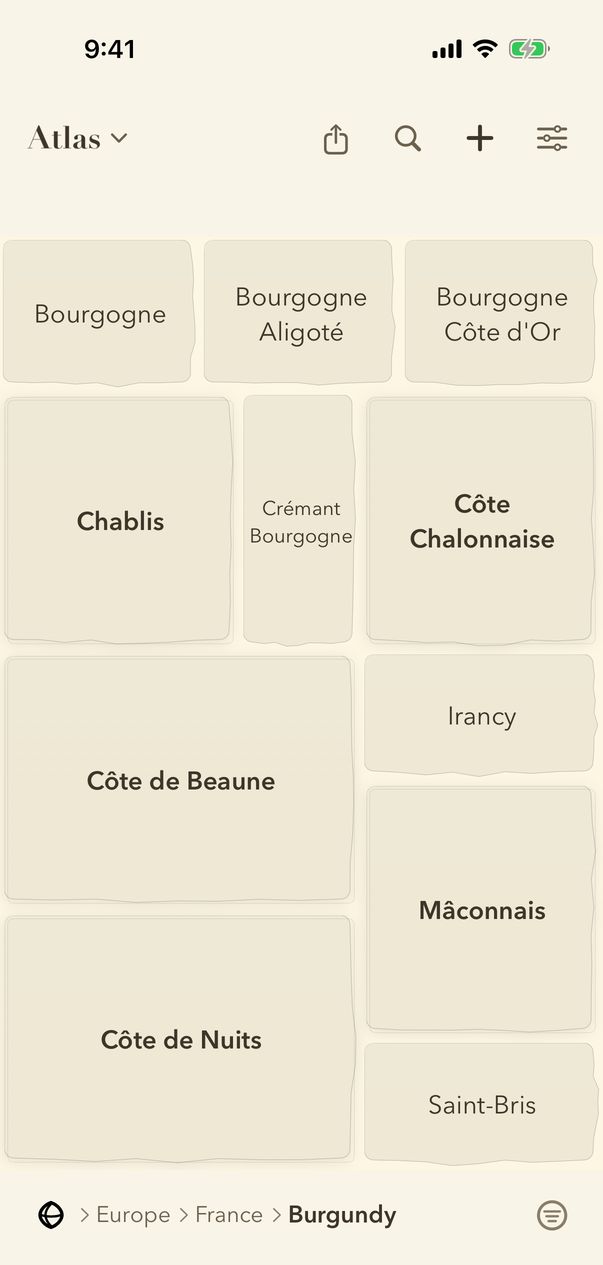
- Press and hold a place in the bar at the bottom, such as Burgundy, and keep your finger still until it answers.
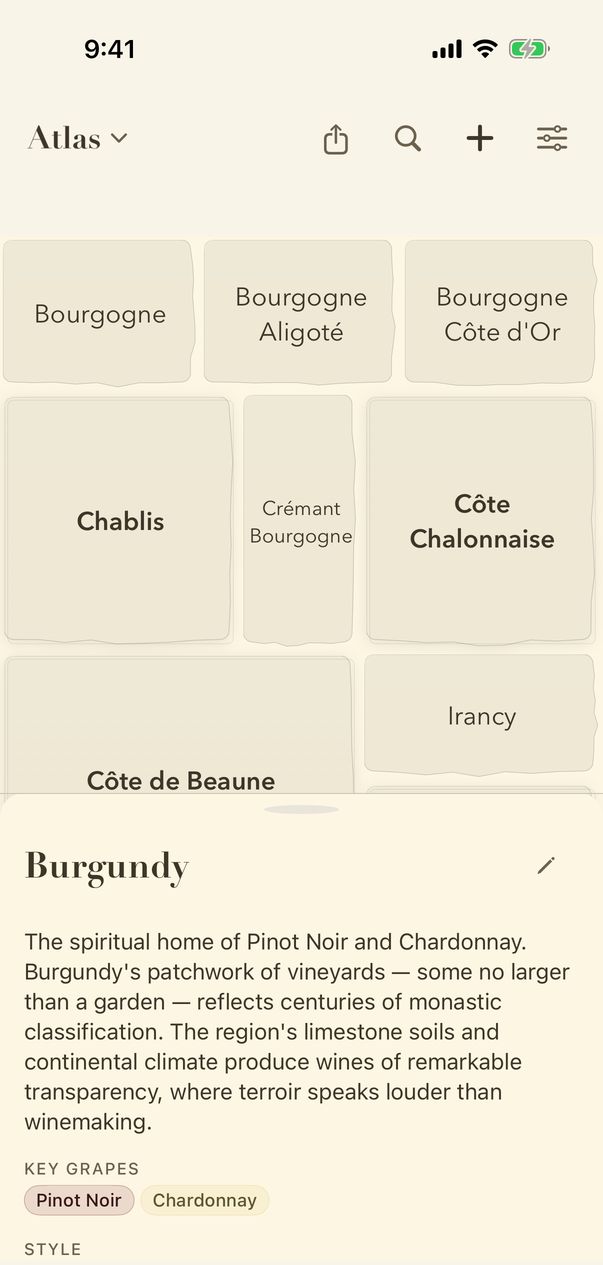
- The panel explains the place you held — here, what Burgundy is. Every place in the bar at the bottom has one.
- Swipe the panel down to close it. The map is where you left it.
Guide for vynr 1.2