Record what you drink
From Cellar, Atlas, a list or Vynrpedia, swipe left from the right edge to open Journal. In Time Lens the edge swipe is not available: tap the view name at the top and choose Journal.
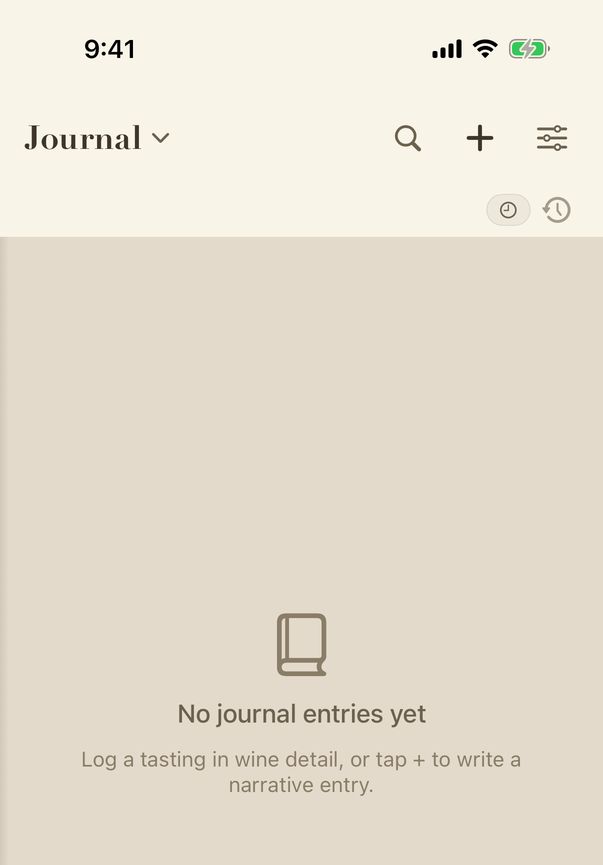
- In Journal, tap + to write an entry.
- Swipe right from the left edge to close Journal.
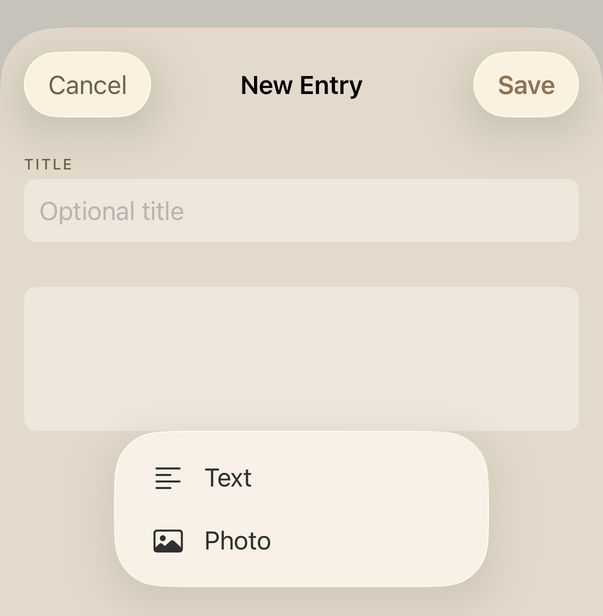
- Give the entry a title if you like.
- Tap the + under the text box to add text or a photo; this menu opens.
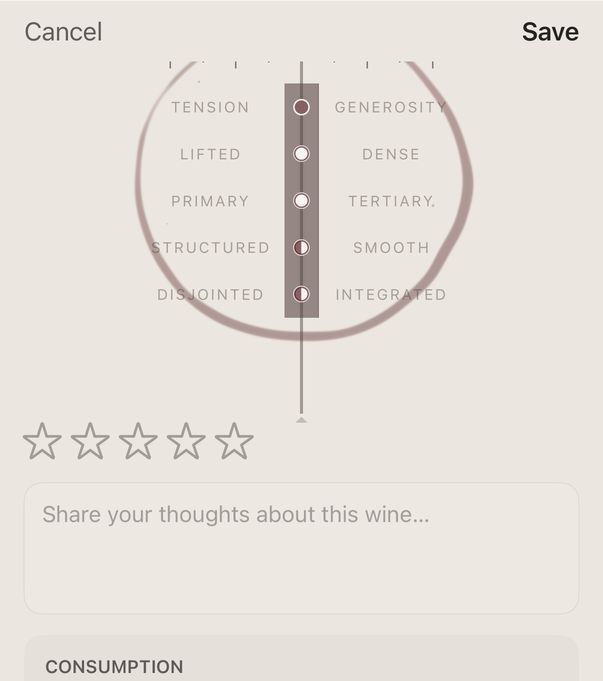
- To record a tasting, tap Tasting on a wine's record, or press and hold + and choose Quick Tasting.
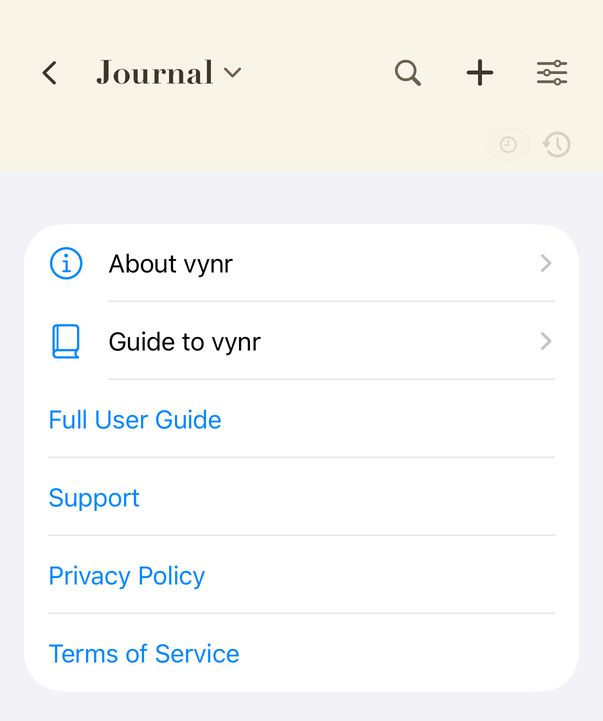
- Settings → Guide to vynr replays this guide.
- Full User Guide opens vynr.app/guide.
Guide for vynr 1.2