See your cellar through time
Time Lens is the last of the stacked maps: flick up to it, or choose it in the switcher. Then tap a side.
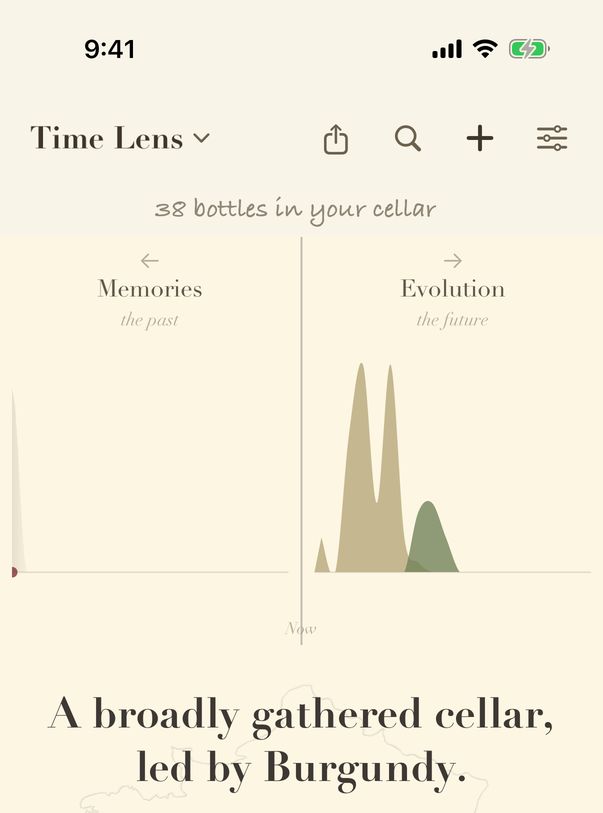
- Tap Memories to go back through your cellar's history.
- Tap Evolution to look ahead to how your wines will drink.
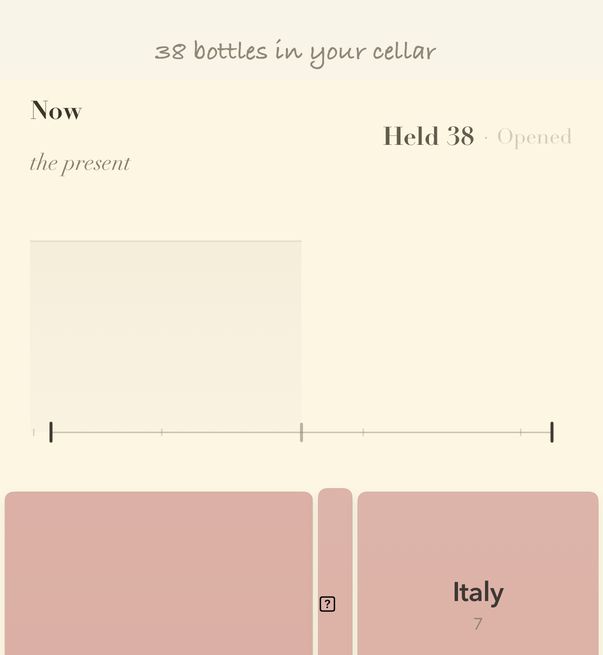
- Held counts the bottles you held on the date you are looking at; Opened shows what you had opened.
- Drag along the timeline to move through your history.
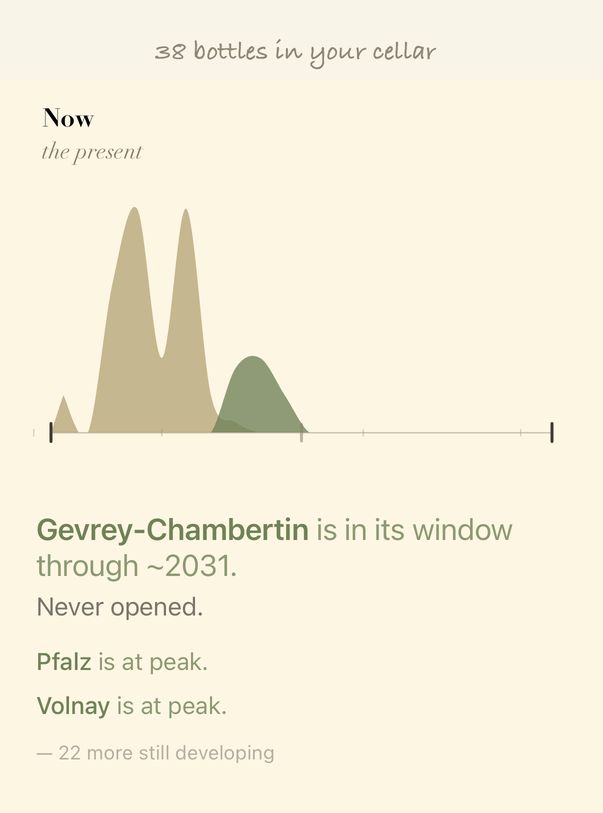
- Evolution charts when your wines will be ready; on the free plan you can look six months ahead.
- Below it, vynr names which wines are ready now and which are still developing.
Guide for vynr 1.2